


I’m excited to announce another big feature rollout, the first of multiple releases we will be making in this category called Site Overview.
The main idea behind Site Overview is something I’m going to keep most of the details left unmentioned for now, because we have some even bigger things planned for this in coming months. For now, think of it as a place where we’ll be providing some new, high-level tools for quick insights.
We’re launching the first of these new tools today, this one is covering Google Search Console.
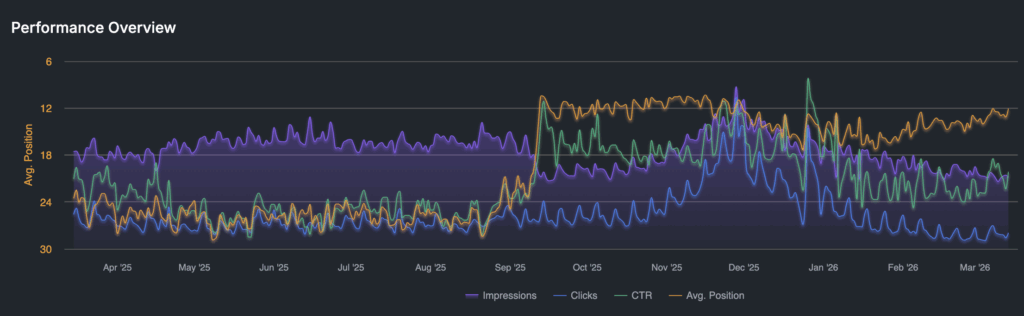
We’ve had a Search Console integration for years, actually. And it does a lot of heavy lifting that we haven’t seen many other tools do.
For example, we automate the entire process and storage of linking pages and queries together, which sounds easy until you start working on it.
We have also provided the ability to mine GSC for keyword suggestions for tracking purposes. We also provide solutions to set up (and we’ll host it for you, if needed) the BigQuery bulk export feature in the same dataset that we push our other data too, including SERP / Search Intelligence.
It also integrates with our SERP analytics, so you can easily filter for which keywords you are / are not tracking in SERP tracking. For those keywords that you are monitoring in the SERPs, you can get all the additional information that comes with it: pixel data, visual rank, SERP Features (including AIOs), and competing domains / URLs.
This feature also powers our Unified Visibility feature as well as recommendations and importation from GSC for new keyword suggestions.
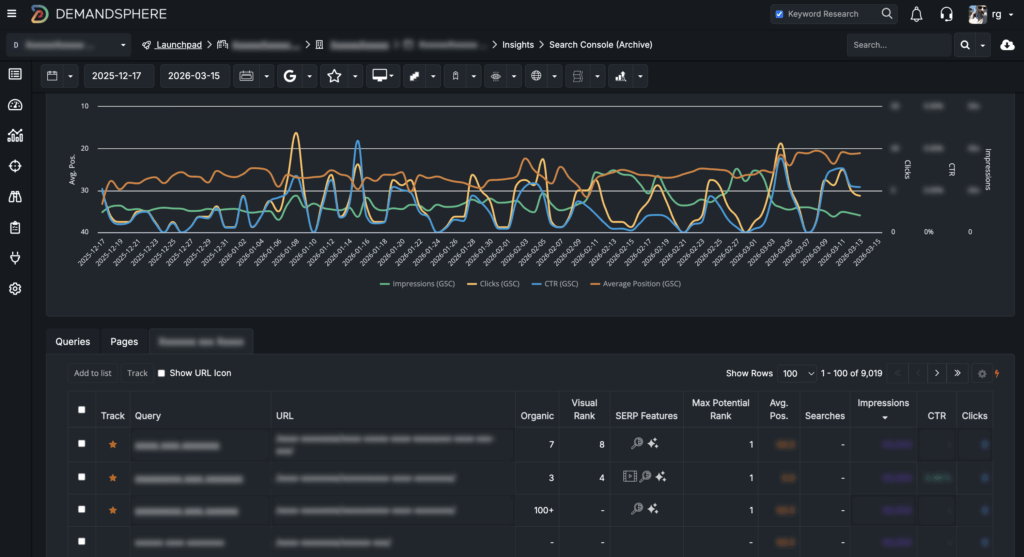
But we’ve always wanted to do more with this data and provide easier ways to view without needing to wait for the initial data backfill, which could take a couple of hours.
With this new release, you simply connect GSC and you get data instantly.
We’re keeping the original functionality too and will be finding good ways to merge the two together in the future, so you can get the best of both worlds.
Here’s a closer look at some of the features that we love about this new tool:
AI Search Prompt Candidates
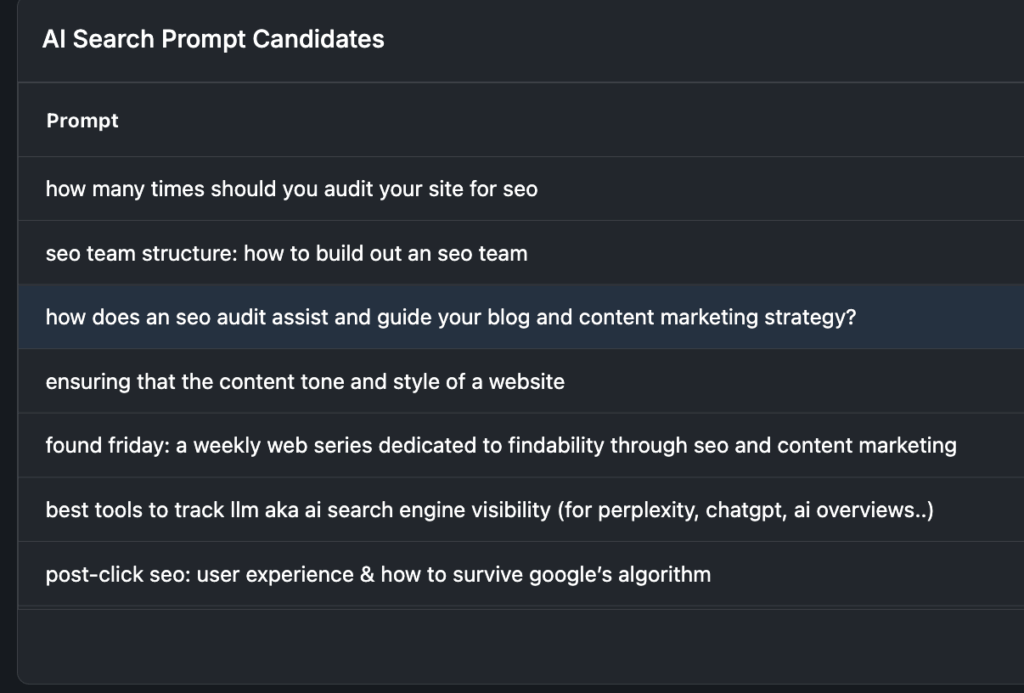
A question we get asked all the time is how to differentiate AI impressions and clicks (and query ideas) from “normal” SERP traffic.
And the truth is that it’s not really easy to do but, one thing you can do is, use a regular expression (regex) to automatically surface longer queries. These are queries that are more likely to be conversational and generative in nature and more likely to be used in AI Mode and also to be triggering AI Overviews.
We built this widget to filter the API for this regex automatically so you can get good AI search candidate recommendations right in the UI.
Advanced Filters
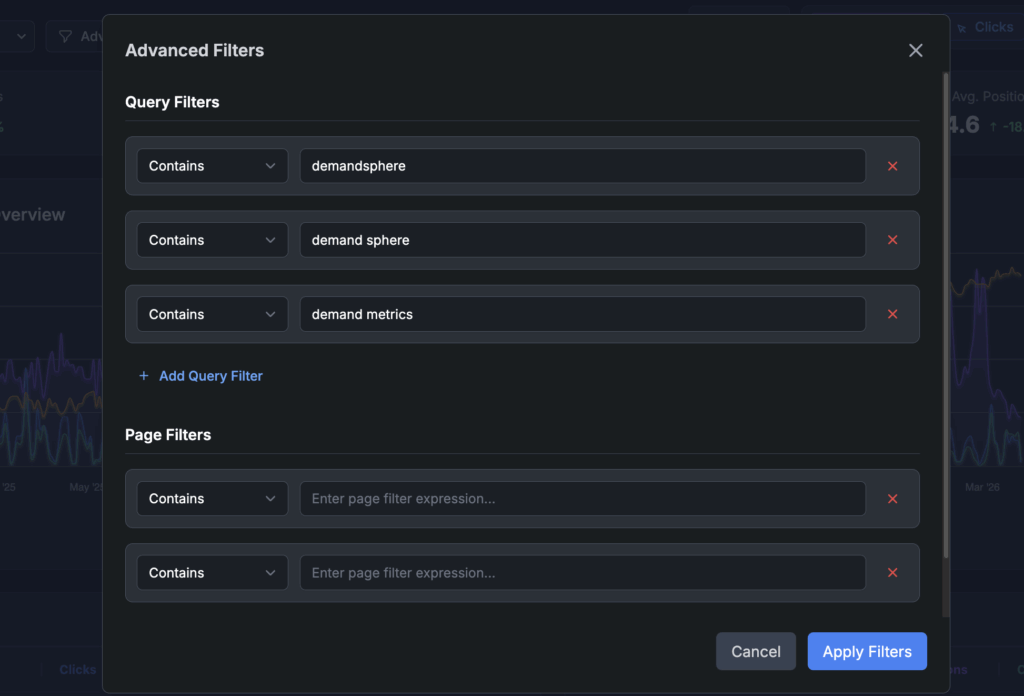
Search Console has a lot of great filters in the UI but the UI is limited in the data it provides. We are obviously pulling back all of the data available in the API and our advanced filtering capabilities make it easy to set up the exact views you want to see.
And yes, bookmarkable filters are coming soon!
Database-driven Query Counting
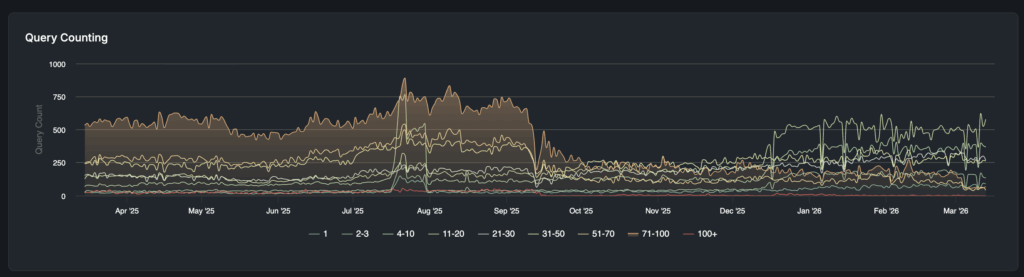
If you’ve spent any amount of time playing with the Search Console API and do it for medium to large sites, is it takes a long time to generate this sort of query counting visualization, especially for longer time ranges.
The thing is, this is one of the most valuable things you can be doing because it allows you to really understand how your site is being viewed by Google over time.
In order to solve this problem, you basically need to save all the data to some database and run it from there. We do that automatically now so it will work even on sites that are very large. It may still take 30 seconds or so to display for the largest sites but that’s a huge improvement over the default.
Dynamic CTR Curve Modeling
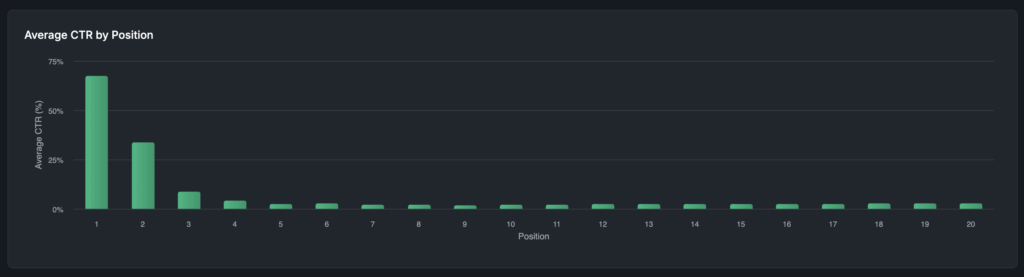
One of our more popular features is CTR Lab, where you can specify your own CTR curve for use in modeling within our app.
The thing that was missing until now was the ability to extract this curve from GSC data, using the segments, filters, and date ranges that you want. Now you can choose any segment or filter you want and instantly generate the new curve.
Why this is valuable and why are we doing it?
It’s easily to overlook how valuable Search Console data is, but you have to know how to make it work for you.
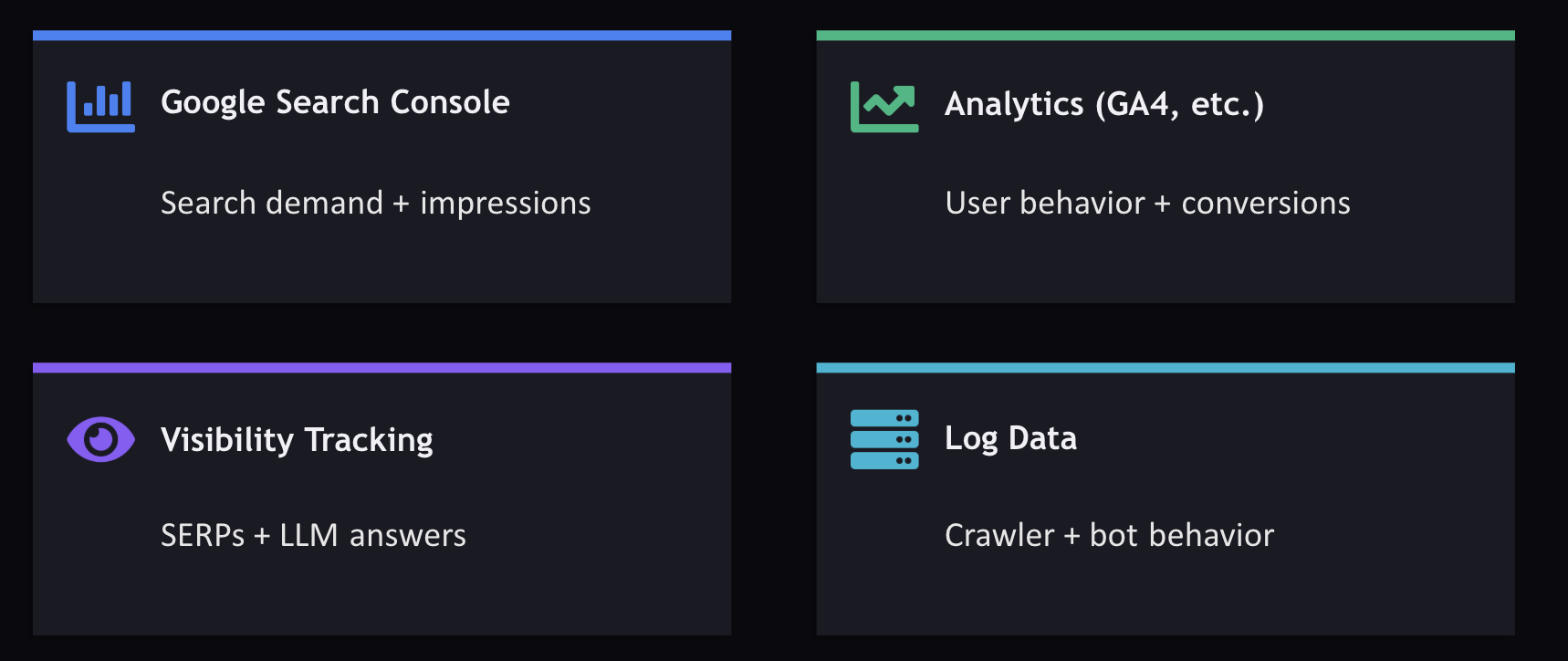
As a first-party data source, it’s one of the four pillars of the AI search data stack that we recommend for all search teams, and one of the core value props we offer is to unify all of these into a single data pipeline.
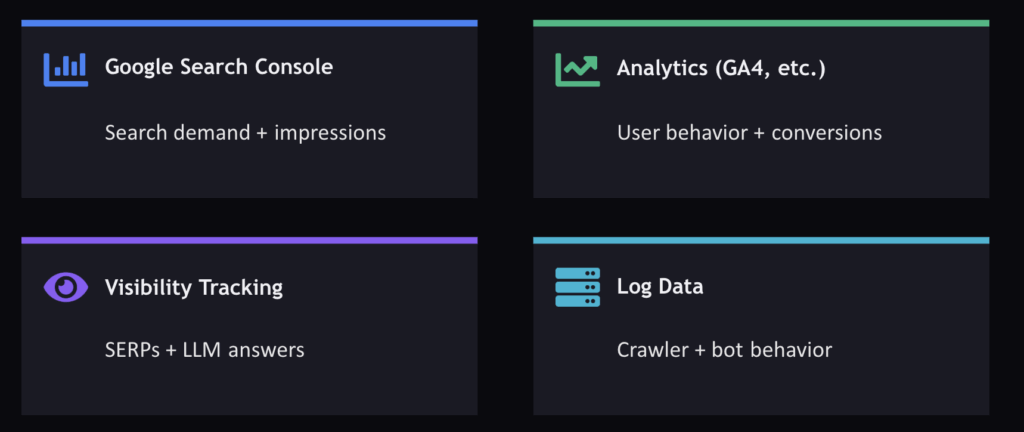
Our goal with this tool is to help teams make better use of this data at scale. We will be adding some more features in it down the road to make it even easier to get actionable recommendations.
How to start using it?
For existing DemandSphere customers, simply go into any of your sites that have Search Console connected and click into the Search Console menu under Site Overview.
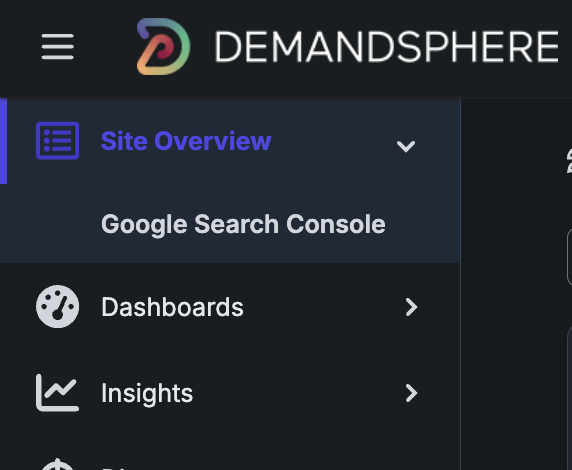
As I mentioned, there is more (a lot more) coming soon to this section of the app, so stay tuned!
Competitor Discovery APIs
Another new feature launching this week is a new API for our newly revamped Competitor Discovery feature, which I announced last week.
This is part of our latest API, 5.1, and the docs will be getting rolled out this week. This API is included in all plans as part of our reporting APIs, which are available to all customers at no extra charge.